Browsing Category "Simulation"

Browsing "Older Posts"

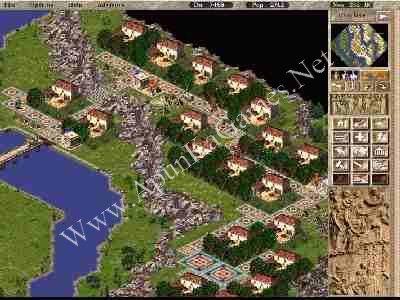
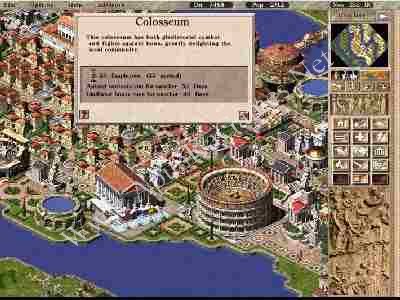
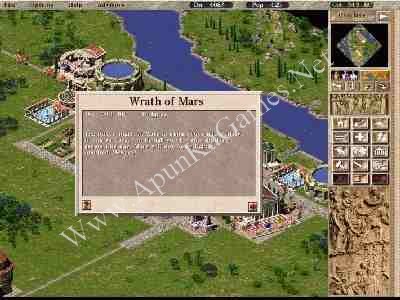
Caesar 3 (Video Game), PC Highly Compressed, RIP

Minimum System Requirements

    • OS: Windows 2000/XP/Vista/7
    • CPU: Pentium 4 @ 1.6 GHz Processor
    • RAM: 1 GB
    • Hard Drive: 2 GB Free
    • Video Memory: 64 MB
    • Sound Card: DirectX Compatible
    • DirectX: 9.0c
    • Keyboard and Mouse

      Screenshots

      How to Install?

      1. Extract the file using Winrar. (Download Winrar)
      2. Open "Caesar 3" folder, double click on "Setup" and install it.
      3. After installation complete, go to the folder where you install the game.
      4. Open folder, double click on "c3" icon to play the game. Done!

      How to Download?

      If your don't know how to Download this game, just Click Here!

      Caesar III Free Download

      Click Here to Download This Game
      Game Size: 365 MB
      Password: www.apunkagames.net

      Caesar III

      By Muhammad Meer → Sunday, May 24, 2015
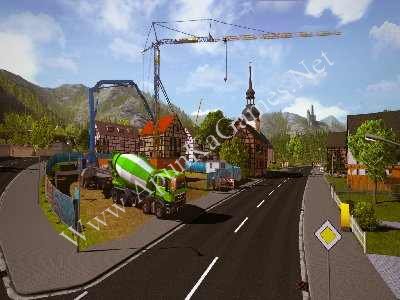
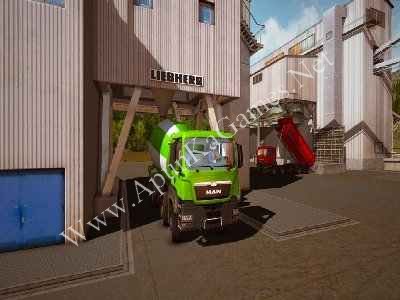
      Also Known as: Construction Simulator 2015 (Video Game), PC Highly Compressed, RIP

      Minimum System Requirements

        • OS: Windows XP/Vista/7
        • CPU: Dual-Core with 2.4 GHz Processor
        • RAM: 4 GB
        • Hard Drive: 3 GB Free
        • Video Memory: 1 GB VRAM (Geforce 400 Series or better | ATI Radeon HD 57xx or better)
        • Sound Card: DirectX Compatible
        • DirectX: 9.0c
        • Keyboard and Mouse

          Screenshots

          How to Install?

          1. Extract the file using Winrar. (Download Winrar)
          2. Open "Construction Simulator 2015" >> "Game" folder, double click on "Setup" and install it.
          3. After installation complete, go to the folder where you extract the game.
          4. Open "Crack" folder, copy all files and paste it where you install the game.
          5. Then double click on "ConSim2015" icon to play the game. Done!

          How to Download?

          If your don't know how to Download this game, just Click Here!

          Construction Simulator 2015 Free Download

          Click Here to Download This Game
          Game Size: 653 MB
          Password: www.apunkagames.net

          Construction Simulator 2015

          By Muhammad Meer → Thursday, April 30, 2015
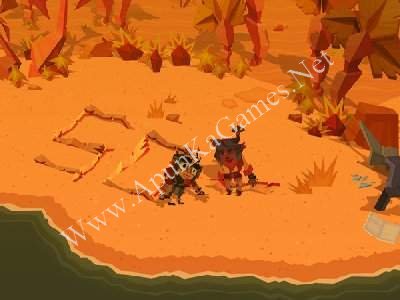
          Hatoful Boyfriend (Video Game) Download

          Minimum System Requirements

            • OS: Windows XP/Vista/7/8
            • CPU: Pentium 4 @ 2.4 GHz Processor
            • RAM: 1 GB
            • Hard Drive: 300 MB Free
            • Video Memory: 128 MB (shader model 2.0) capabilities.
            • Sound Card: DirectX Compatible
            • DirectX: 9.0c
            • Keyboard and Mouse

              Screenshots

              How to Install?

              1. Extract the file using Winrar. (Download Winrar)
              2. Open "Hatoful Boyfriend" >> "Game" folder.
              3. Then double click on "hatoful" icon to play the game. Done!

              How to Download?

              If your don't know how to Download this game, just Click Here!

              Hatoful Boyfriend Free Download

              Click Here to Download This Game
              Game Size: 348 MB
              Password: www.apunkagames.net

              Hatoful Boyfriend

              By Muhammad Meer → Sunday, April 19, 2015
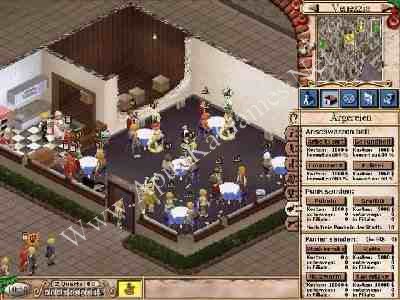
              Also Known as: Fast Food Tycoon 2 (Video Game), FFT 2 Download

              Minimum System Requirements

                • OS: Windows 2000/XP/Vista/7
                • CPU: Pentium 3 @ 800 MHz Processor
                • RAM: 256 MB
                • Hard Drive: 650 MB Free
                • Video Memory: 32 MB
                • Sound Card: DirectX Compatible
                • DirectX: 9.0
                • Keyboard and Mouse

                  Screenshots

                  How to Install?

                  1. Extract the file using Winrar. (Download Winrar)
                  2. Open "Fast Food Tycoon 2" folder, double click on "Setup" and install it.
                  3. After installation complete, go to the folder where you install the game.
                  4. Open folder, double click on "fastfood2" icon to play the game. Done!

                  How to Download?

                  If your don't know how to Download this game, just Click Here!

                  Fast Food Tycoon 2 Free Download

                  Click Here to Download This Game
                  Game Size: 320 MB
                  Password: www.apunkagames.net

                  Fast Food Tycoon 2

                  By Muhammad Meer → Friday, April 17, 2015
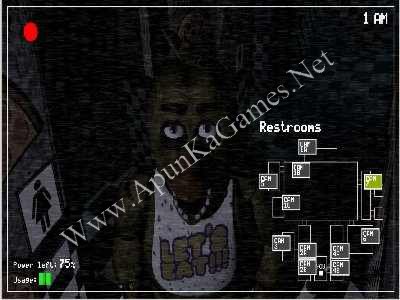
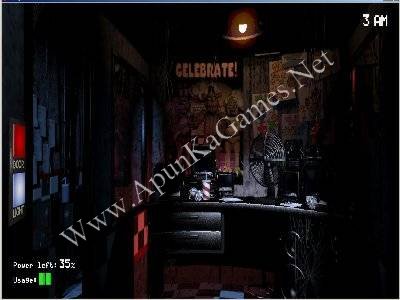
                  Five Nights at Freddy's 3 (Video Game) Download

                  Minimum System Requirements

                    • OS: Windows XP/Vista/7/8
                    • CPU: Pentium 4 @ 2 GHz Processor
                    • RAM: 1 GB
                    • Hard Drive: 250 MB Free
                    • Video Memory: 1 GB
                    • Sound Card: DirectX Compatible
                    • DirectX: 9.0c
                    • Keyboard and Mouse

                      Screenshots

                      How to Install?

                      1. Extract the file using Winrar. (Download Winrar)
                      2. Open "Five Nights at Freddy's 3" folder, double click on "Setup" and install it.
                      3. After installation complete, go to the folder where you install the game.
                      4. Open folder, double click on "FiveNightsatFreddys3" icon to play the game. Done!

                      How to Download?

                      If your don't know how to Download this game, just Click Here!

                      Five Nights at Freddy's 3 Free Download

                      Click Here to Download This Game
                      Game Size: 113 MB
                      Password: www.apunkagames.net

                      Five Nights at Freddy's 3

                      By Muhammad Meer → Saturday, April 11, 2015
                      Railroad Lines (Video Game) Download
                      Railroad Lines

                      Minimum System Requirements

                        • OS: Windows XP/Vista/7/8
                        • CPU: Pentium 4 @ 2.0 GHz Processor
                        • RAM: 1 GB
                        • Hard Drive: 200 MB Free
                        • Video Memory: 128 MB, 3D hardware acceleration
                        • Sound Card: DirectX Compatible
                        • DirectX: 9.0c
                        • Keyboard and Mouse

                          Screenshots

                          How to Install?

                          1. Extract the file using Winrar. (Download Winrar)
                          2. Open "RailRoad Lines" >> "Game" folder.
                          3. Then double click on "Train" icon to play the game. Done!

                          How to Download?

                          If your don't know how to Download this game, just Click Here!

                          Railroad Lines Free Download

                          Click Here to Download This Game
                          Game Size: 86 MB
                          Password: www.apunkagames.net

                          Railroad Lines

                          By Muhammad Meer → Tuesday, April 7, 2015
                          Dyscourse (Video Game) Download

                          Minimum System Requirements

                            • OS: Windows XP/Vista/7
                            • CPU: Pentium 4 @ 2.8 GHz Processor
                            • RAM: 2 GB
                            • Hard Drive: 600 MB Free
                            • Video Memory: 256 MB
                            • Sound Card: DirectX Compatible
                            • DirectX: 9.0c
                            • Keyboard and Mouse

                              Screenshots

                              How to Install?

                              1. Extract the file using Winrar. (Download Winrar)
                              2. Open "Dyscourse" folder, double click on "Setup" and install it.
                              3. After installation complete, go to the folder where you extract the game.
                              4. Open "Crack" folder, copy file and paste it where you install the game.
                              5. Then double click on "Dyscourse" icon to play the game. Done!

                              How to Download?

                              If your don't know how to Download this game, just Click Here!

                              Dyscourse Free Download

                              Click Here to Download This Game
                              Game Size: 314 MB
                              Password: www.apunkagames.net

                              Dyscourse

                              By Muhammad Meer → Monday, April 6, 2015
                              The Sparkle 2: Evo (Video Game) Download
                              Sparkle 2: Evo

                              Minimum System Requirements

                                • OS: Windows XP/Vista/7/8
                                • CPU: Dual Core from Intel or AMD at 2.0 GHz Processor
                                • RAM: 2 GB
                                • Hard Drive: 180 MB Free
                                • Video Memory: nVidia GeForce 6800, ATI/AMD Radeaon HD2600
                                • Sound Card: DirectX Compatible
                                • DirectX: 9.0
                                • Keyboard and Mouse

                                  Screenshots

                                  How to Install?

                                  1. Extract the file using Winrar. (Download Winrar)
                                  2. Open "The Sparkle 2 - Evo" >> "Game" folder.
                                  3. Then double click on "Sparkle2" icon to play the game. Done!

                                  How to Download?

                                  If your don't know how to Download this game, just Click Here!

                                  Sparkle 2: Evo Free Download

                                  Click Here to Download This Game
                                  Game Size: 53 MB
                                  Password: www.apunkagames.net

                                  Sparkle 2: Evo

                                  By Muhammad Meer → Wednesday, April 1, 2015
                                  Cubicle Quest (Video Game) Download

                                  Minimum System Requirements

                                    • OS: Windows 98/ME/2000/XP
                                    • CPU: Pentium 3 @ 800 MHz Processor
                                    • RAM: 256 MB
                                    • Hard Drive: 100 MB Free
                                    • Video Memory: 32 MB
                                    • Sound Card: DirectX Compatible
                                    • DirectX: 8.0
                                    • Keyboard and Mouse

                                      Screenshots

                                      How to Install?

                                      1. Extract the file using Winrar. (Download Winrar)
                                      2. Open "Cubicle Quest" >> "Game" folder.
                                      3. Then double click on "Game" icon to play the game. Done!

                                      How to Download?

                                      If your don't know how to Download this game, just Click Here!

                                      Cubicle Quest Free Download

                                      Click Here to Download This Game
                                      Game Size: 196 MB
                                      Password: www.apunkagames.net

                                      Cubicle Quest

                                      By Muhammad Meer → Tuesday, March 31, 2015
                                      Car Tycoon (Video Game) Download

                                      Minimum System Requirements

                                        • OS: Windows 98/ME/2000/XP
                                        • CPU: Pentium 3 @ 1.0 GHz Processor
                                        • RAM: 128 MB
                                        • Hard Drive: 300 MB Free
                                        • Video Memory: 16 MB
                                        • Sound Card: DirectX Compatible
                                        • DirectX: 7.0
                                        • Keyboard and Mouse

                                          Screenshots

                                          How to Install?

                                          1. Extract the file using Winrar. (Download Winrar)
                                          2. Open "Car Tycoon" folder, double click on "Setup" and install it.
                                          3. After installation complete, go to the folder where you install the game.
                                          4. Open folder, double click on "car_tycoon" icon to play the game. Done!

                                          How to Download?

                                          If your don't know how to Download this game, just Click Here!

                                          Car Tycoon Free Download

                                          Click Here to Download This Game
                                          Game Size: 284 MB
                                          Password: www.apunkagames.net

                                          Car Tycoon

                                          By Muhammad Meer → Monday, March 30, 2015
                                          Five Nights at Freddy's (Video Game) Download

                                          Minimum System Requirements

                                            • OS: Windows XP/Vista/7
                                            • CPU: 2 GHz Intel Pentium 4 or AMD Athlon or equivalent
                                            • RAM: 1 GB
                                            • Hard Drive: 250 MB Free
                                            • Video Memory: 1GB
                                            • Sound Card: DirectX Compatible
                                            • DirectX: 9.0c
                                            • Keyboard and Mouse

                                              Screenshots

                                              How to Install?

                                              1. Extract the file using Winrar. (Download Winrar)
                                              2. Open "Five Nights at Freddy's" folder, double click on "Setup" and install it.
                                              3. After installation complete, go to the folder where you install the game.
                                              4. Open folder, double click on "FiveNightsatFreddys3" icon to play the game. Done!

                                              How to Download?

                                              If your don't know how to Download this game, just Click Here!

                                              Five Nights at Freddy's Free Download

                                              Click Here to Download This Game
                                              Game Size: 113 MB
                                              Password: www.apunkagames.net

                                              Five Nights at Freddy's

                                              By Muhammad Meer → Sunday, March 29, 2015
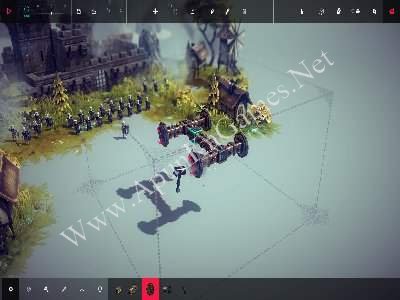
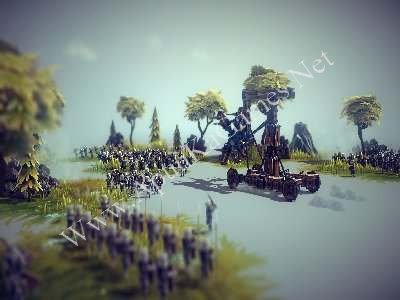
                                              Besiege (Video Game) Download, Highly Compressed

                                              Minimum System Requirements

                                                • OS: Windows XP/Vista/7
                                                • CPU: Dual Core @ 2.2 GHz Processor
                                                • RAM: 2 GB
                                                • Hard Drive: 1 GB Free
                                                • Video Memory: 512 MB
                                                • Sound Card: DirectX Compatible
                                                • DirectX: 9.0c
                                                • Keyboard and Mouse

                                                  Screenshots

                                                  How to Install?

                                                  1. Extract the file using Winrar. (Download Winrar)
                                                  2. Open "Besiege" >> "Game" folder.
                                                  3. Then double click on "Besiege" icon to play the game. Done!

                                                  How to Download?

                                                  If your don't know how to Download this game, just Click Here!

                                                  Besiege Free Download

                                                  Click Here to Download This Game
                                                  Game Size: 89 MB
                                                  Password: www.apunkagames.net

                                                  Besiege

                                                  By Muhammad Meer → Saturday, March 28, 2015